
Why footwear feeds underperform on Amazon — and how to fix the data
Footwear listings get suppressed on Amazon more than almost any other category. Here's the attribute, identifier, and image bar you have to clear.
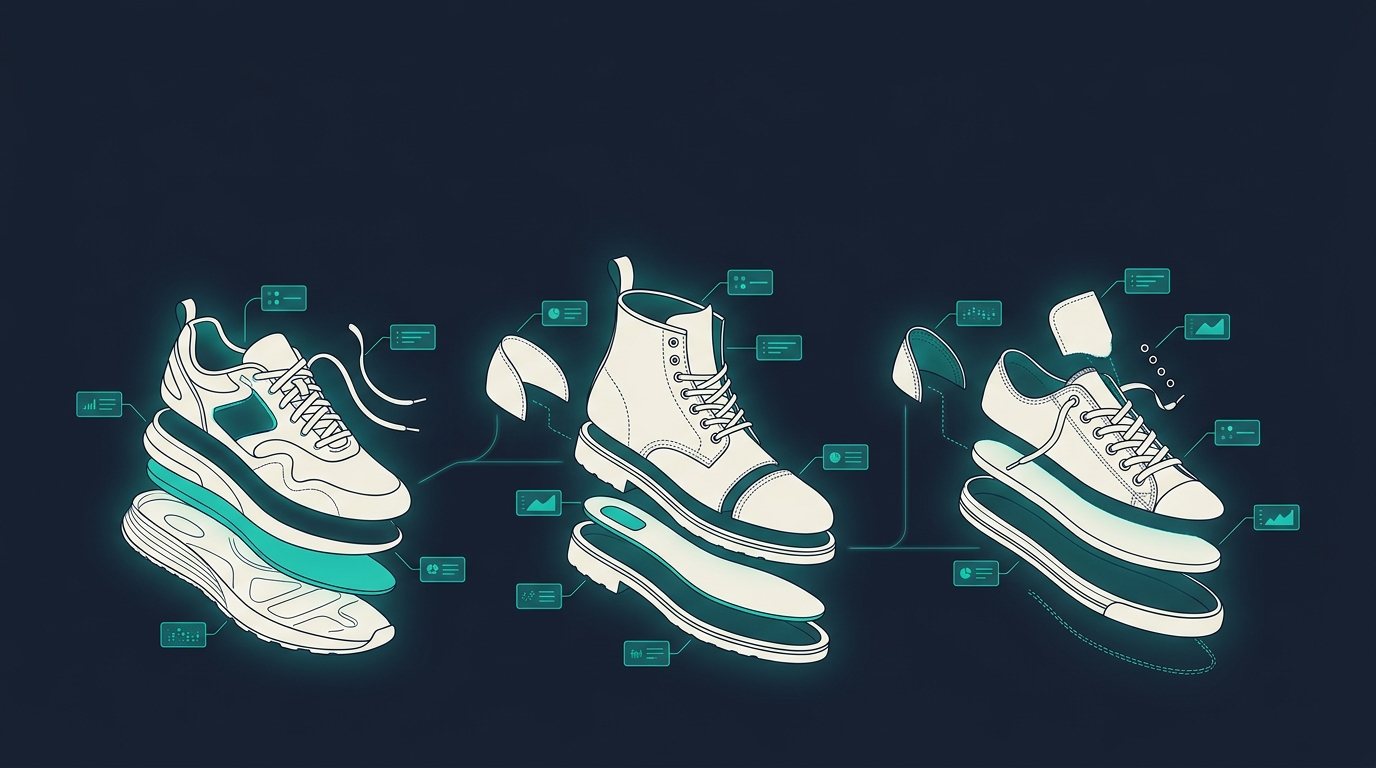
Footwear is one of the least forgiving categories on Amazon. A running shoe with a great price and reviews can still sit invisible in search because a width value, a size-system field, or a variation theme is wrong. That's not a merchandising problem — it's a data problem, and it's fixable before you ever touch an ad budget.
Shoes carry more mandatory fields than most categories
Most sellers assume a shoe listing needs a title, a few bullets, and a price. Amazon's footwear taxonomy asks for a lot more before it will even index the listing correctly. Target Gender, Age Range, Amazon Shoe Size, Size Unit, and Shoe Size Width are treated as required, not optional, and they're what let a shopper searching "men's wide running shoes size 11" actually find the product — Inriver's Amazon seller reference walks through why generic apparel templates trip sellers up here: a marketing color name like "Midnight" gets rejected where the controlled value "Navy" is required.
Footwear also inherited a variation-theme cleanup in 2025 that most catalog teams didn't see coming. Amazon began retiring deprecated variation themes across apparel and shoe product types, and listings that didn't migrate to an approved theme in time saw parent-child structures dissolve — child ASINs (a specific size/color combination) get knocked loose from the parent and become orphaned, standalone listings that lose the parent's accumulated reviews and sales rank. According to MyAmazonGuy's breakdown of the change, active listings had until November 30, 2025 to rebuild the parent under a compliant theme — a structural fix, not a copywriting one.
None of this shows up as an error message that says "your shoe feed is incomplete." It shows up as a listing that's live, technically for sale, and nowhere in results.
The identifier bar: GTIN isn't optional, it's a gate
Amazon requires a valid GTIN for most new ASINs, sourced directly from GS1 or an authorized reseller — not generated. Brands enrolled in Amazon Brand Registry typically get a GTIN exemption across their catalog, but that exemption still depends on clean brand-to-product matching: images with no visible competing barcode, an exact brand-name match to what's on the physical product, and a category the brand is actually approved to sell in, per guides on the 2026 exemption process. A footwear brand selling under a house label plus a handful of private-label collabs often has GTIN gaps precisely where the catalog is newest — the SKUs launching this season.
The content bar: images and attributes shoppers actually use to filter
Amazon's image rules for shoes are stricter than for flat-lay categories: a pure white background, the product filling most of the frame, no lifestyle shots as the primary image, and a single shoe shown at an angle rather than straight-on. Miss that and the listing can be suppressed from the buy box regardless of how good the copy is.
Attribute-wise, here's what a typical raw running-shoe feed looks like next to what Amazon and AI shopping agents actually need to match a shopper's query.
| Field | Raw feed (as received from PIM) | Channel-ready (enriched) |
|---|---|---|
| Title | "Men's Running Shoe – Black" | "Men's Trailbreak X2 Running Shoe, Wide Width, Lightweight Mesh Upper, Black/Volt" |
| GTIN | Missing | 0-8459301-2 (GS1-issued, verified) |
| Target Gender | Blank | Male |
| Amazon Shoe Size / Unit | "10" (unit unspecified) | 10, US |
| Shoe Size Width | Missing | Wide (2E) |
| Age Range | Missing | Adult |
| Drop / Stack Height | Not in feed | 8mm drop, 32mm heel / 24mm forefoot |
| Upper Material | "Mesh" | Engineered knit mesh with TPU overlays |
| Use Case | Missing | Road running, neutral gait, daily trainer |
| Variation theme | Legacy/deprecated theme | Size-Color (2025-approved theme) |
The left column is a listing that technically has a title and a price. The right column is a listing that can survive a filtered search, an AI agent's parametric query, and a width-conscious shopper in the same pass.
The bar just moved again: AI shopping agents read the same feed
Marketplace completeness used to mean "good enough for Amazon search." Now the same product feed increasingly needs to answer AI shopping agents directly. ChatGPT's shopping and Instant Checkout experience runs on a product feed spec that recommends 25-plus structured attributes beyond the bare minimum of ID, title, price, and image, specifically because identifiers like GTIN and MPN are what let the agent match your shoe to a shopper's intent instead of guessing — see Lengow's rundown of the ChatGPT product feed spec. Google has since backed a competing agentic commerce protocol with retail partners, which means the same enriched fields increasingly need to travel across more than one AI surface, not just one marketplace.
Try this yourself: ask an AI shopping assistant to "recommend a stability running shoe for a wide-footed runner, under $150." A shoe with a filled-in width attribute, a real GTIN, and a drop/stack-height spec is eligible to be surfaced and compared. A shoe with "Mesh" in a free-text description and no width field isn't wrong, exactly — it's just unreadable to the thing doing the matching.
Getting to channel-ready without a rip-and-replace
Fixing this at the PIM level, one dropdown at a time, is how most footwear catalogs fall behind — new styles launch faster than anyone can backfill Shoe Size Width or migrate a variation theme. Anglera plugs into whatever PIM or commerce platform a retailer already runs, or none at all, and continuously scores, gap-fills, and enriches footwear attributes — GTINs, size systems, width, material, drop — against what Amazon and AI shopping agents actually require to surface a listing. Your PIM stores the data; Anglera does the work of keeping it channel-ready as the requirements keep shifting.