
The footwear attributes shoppers filter on — and most catalogs miss
Width, drop, stack height, lacing: the footwear attributes shoppers actually filter on, and why missing them silently drops products from search.
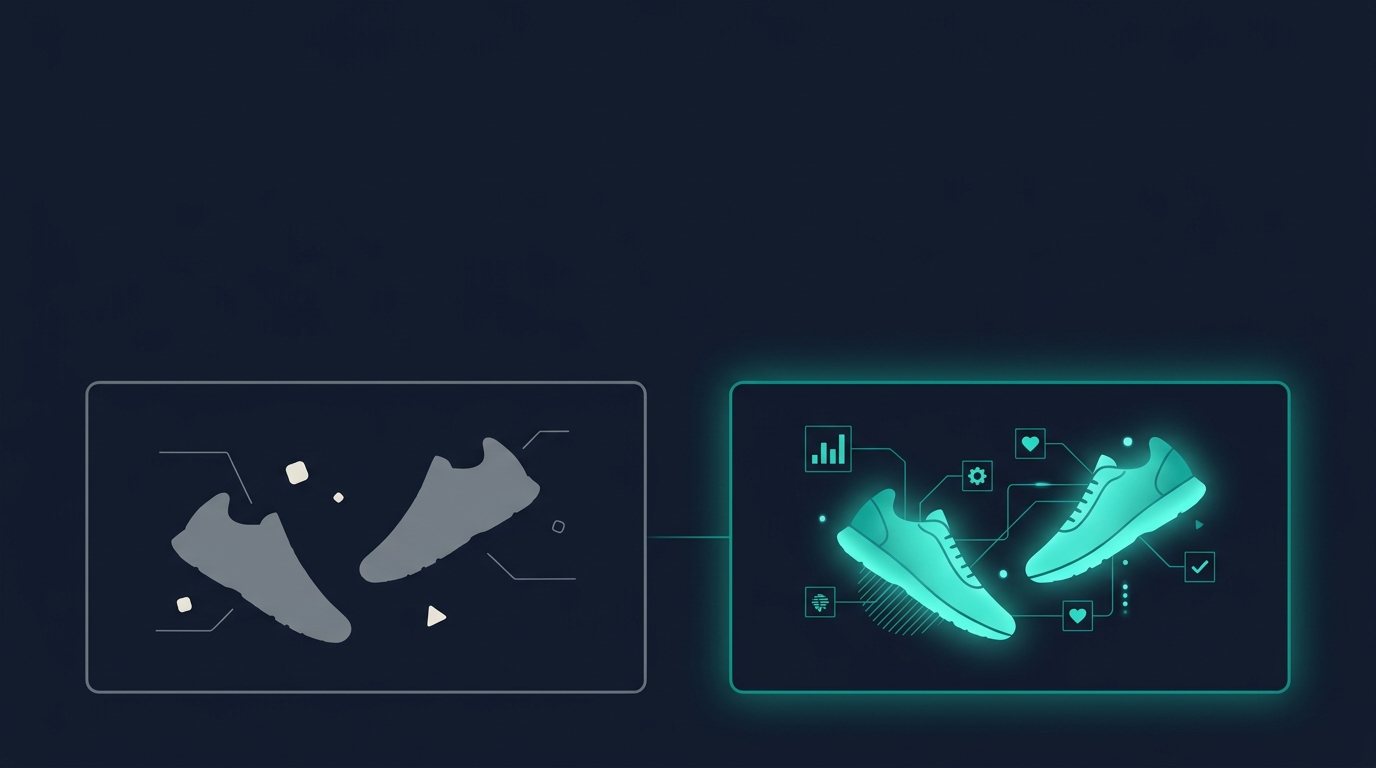
A shopper filters for "wide width, low drop, road running shoe" and your catalog's best-fit product never shows up, not because it's out of stock, but because the width field is blank. Footwear is one of the most attribute-dense categories in retail, and the gap between what a spec sheet lists and what a faceted search or AI assistant needs is where sales quietly disappear.
Why footwear breaks faceted search first
Most footwear PIMs were built around apparel conventions: size, color, gender. But footwear buyers filter on mechanical fit and use-case attributes that apparel never needed: width, drop, stack height, lacing system, arch support, outsole traction. When those fields are empty, the product isn't ranked lower in a filtered search, it's excluded outright. A facet filter is a database query, not a suggestion. No value in the width field means no match for "wide," full stop.
The same failure mode hits AI shopping agents harder. When someone asks ChatGPT, Google AI Mode, or Perplexity to "recommend a stability running shoe with a low heel-to-toe drop for a wide foot," the model is reasoning over whatever structured attributes and page text it can extract. A product description that just says "engineered mesh upper, responsive cushioning" gives the model nothing to match against. The product isn't wrong for the query, it's invisible to it.
The attributes footwear shoppers actually filter on
Different subcategories carry different critical attributes, but a few show up across almost every footwear vertical:
| Attribute | Why it matters | Common gap |
|---|---|---|
| Width | Fit filter (narrow/medium/wide); varies by brand and last | Often only captured as a size-chart footnote, not a structured field |
| Size system | US/UK/EU/JP sizing differs; a "9" means different things | Frequently omitted, causing wrong-size returns |
| Closure/lacing type | Lace-up, slip-on, hook-and-loop, BOA dial | Buried in copy, not tagged |
| Heel-to-toe drop | Determines running gait and comfort profile | Almost never in retailer feeds, common in brand spec sheets |
| Stack height | Total cushioning height (heel and forefoot) | Same gap as drop, usually missing |
| Outsole/traction type | Road, trail, court, ice; rubber compound | Inconsistently tagged across brands |
| Upper material | Mesh, knit, leather, waterproof membrane | Present but rarely standardized (e.g., "GORE-TEX" vs "waterproof") |
| Arch support / pronation type | Neutral, stability, motion control | Present in running-specialty retailers, rare elsewhere |
| Use case | Road running, trail, walking, basketball, work/safety | Often implied by category, not an explicit filterable field |
Google's own size attribute guidance is a useful signal of how granular this needs to be: it tells merchants to submit shoe width directly in the size field, e.g. 10½ W or 6 4A, and to "submit all details that affect the size of your product." If a feed spec built for search ads demands that level of detail, a faceted category page or an AI agent needs it too.
For running shoes specifically, stack height and drop are core sizing signals that specialty retailers filter on by default, and World Athletics even caps stack height at 40mm for competition shoes, which tells you how load-bearing that spec is for the category. Yet most general retail feeds never carry it, which is exactly the kind of category-specific attribute a generic apparel template silently drops.
Worked example: a road running shoe, raw feed vs. enriched
Here's what a typical scraped or PIM-default feed looks like for a running shoe, next to what it should look like once the category-specific attributes are filled in.
Raw feed (as received from a distributor):
| Field | Value |
|---|---|
| Title | Men's Running Shoe, Black/Grey |
| Size | 10 |
| Color | Black/Grey |
| Description | Lightweight running shoe with breathable mesh upper and cushioned midsole. |
Enriched:
| Attribute | Value |
|---|---|
| Title | Men's Road Running Shoe – Neutral, Low Drop |
| Size | 10, size system US |
| Width | D (Medium), also available in 2E (Wide) |
| Color | Black/Grey |
| Closure | Lace-up |
| Heel-to-toe drop | 6mm |
| Stack height | 32mm heel / 26mm forefoot |
| Midsole | EVA foam with forefoot plate |
| Upper material | Engineered mesh, breathable |
| Outsole | Carbon rubber, road traction pattern |
| Pronation support | Neutral |
| Use case | Road running, daily trainer |
The raw version answers "what does it look like." The enriched version answers "will this fit and work for me," which is the actual question behind every width filter click and every "recommend a low-drop neutral trainer" prompt to an AI assistant. Ask an AI shopping tool to recommend a wide-width, low-drop road running shoe under a given price, and only the enriched record has the structured hooks to surface as a match.
How to structure it without rebuilding your taxonomy
You don't need a new PIM to fix this. Three moves cover most of the gap:
- Split compound fields. Width shouldn't live inside a size string like "10 Wide" as free text; it needs its own facet-ready field, matching how Google's shoe-size spec treats width as a distinct dimension even when it's submitted alongside size.
- Standardize vocabulary per subcategory. "Neutral" vs. "stability" vs. "motion control" needs one controlled list across every running shoe SKU, not whatever term each brand's spec sheet happened to use.
- Backfill from brand spec sheets, not just distributor feeds. Drop, stack height, and plate material rarely arrive in a standard retail feed; they usually live on the brand's own product page or tech sheet and have to be matched in.
Anglera sits on top of whatever PIM or commerce platform you already run and does exactly this kind of gap-filling: it scores every footwear SKU against the attributes shoppers and AI agents actually filter on, flags what's missing, and enriches width, drop, stack height, and the rest at catalog scale. Your PIM stores the data. Anglera does the work of making sure it's actually there.