
How LLM crawlers fetch pages — and why client-rendered data is invisible
How GPTBot, ClaudeBot, and Perplexity actually fetch pages, why client-rendered PDP data goes invisible to them, and the SSR/JSON-LD fix that makes it readable.
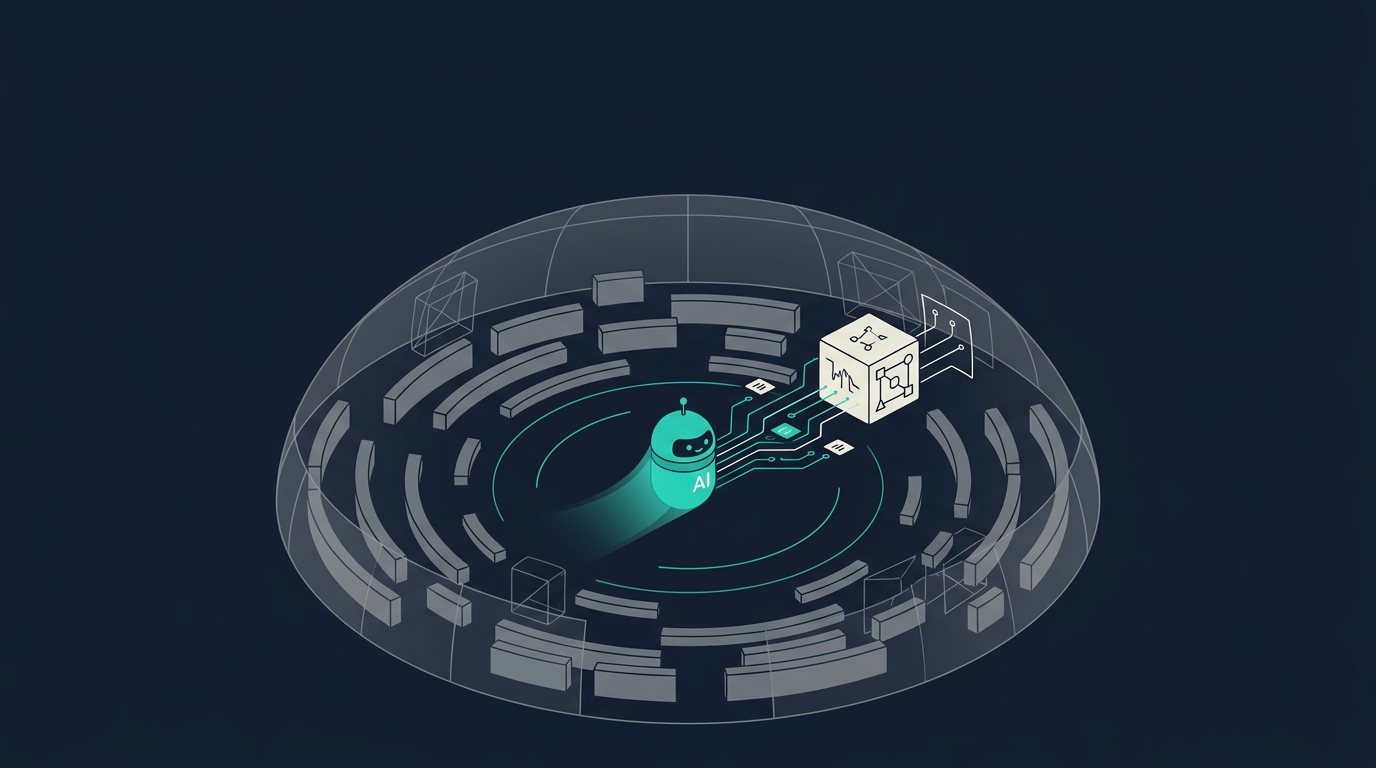
Most AI/LLM crawlers behave like it's still 2010: they issue a plain HTTP GET, read whatever bytes come back, and move on. No clicking, no scrolling, and in almost every case no JavaScript execution. If your product specs, price, or availability only appear after a script runs in the browser, these crawlers never see them — which matters increasingly as buyers ask ChatGPT, Claude, and Perplexity to compare products before they ever land on your site. This guide covers what these crawlers actually do, why client-side rendering breaks for them, and what to change so the data is visible where it needs to be: in the raw HTML response.
How LLM crawlers actually fetch a page
The three most active AI crawlers — OpenAI's GPTBot, Anthropic's ClaudeBot, and Perplexity's PerplexityBot — are conventional HTTP clients, not browsers. They send a request with an identifiable user agent, read the response body, and parse whatever HTML is in it. None of them run a JavaScript engine as part of that fetch:
Mozilla/5.0 AppleWebKit/537.36 (KHTML, like Gecko); compatible; GPTBot/1.3; +https://openai.com/gptbot
Mozilla/5.0 AppleWebKit/537.36 (KHTML, like Gecko); compatible; ClaudeBot/1.0; +https://www.anthropic.com/claudebot
Mozilla/5.0 AppleWebKit/537.36 (KHTML, like Gecko; compatible; PerplexityBot/1.0; +https://perplexity.ai/perplexitybot)
OpenAI also runs OAI-SearchBot (ChatGPT search indexing) and ChatGPT-User (fetched live, per user question; OpenAI's docs note that because these fetches are user-initiated, robots.txt rules may not apply the way they do to GPTBot). Anthropic runs an analogous pair, Claude-SearchBot and Claude-User — though Anthropic states all three of its bots, including the user-triggered Claude-User, do honor robots.txt. Perplexity's counterpart is Perplexity-User. None of these secondary bots execute JavaScript either — same plain HTTP client, just invoked on demand instead of on a crawl schedule. Independent traffic analysis backs up the no-JS-execution behavior at scale: across a large sample of production sites, ChatGPT's and Claude's crawlers fetched JavaScript files on a meaningful share of requests but never executed them — treated as inert text, not code, so anything those scripts would have rendered into the DOM simply never existed as far as the crawler was concerned.
Google is the notable partial exception, because Googlebot's crawl feeds both Search and (via the Google-Extended token) Gemini's training and grounding data, and that crawl does eventually get a JavaScript render pass. Apple's Applebot, which powers Siri, Spotlight, and Safari suggestions, similarly supports JavaScript rendering. But even Googlebot's rendering runs as a second, separate pass: crawling and parsing the raw HTML happens first, then eligible pages are queued for a headless-Chromium render that can lag the initial crawl from seconds to weeks depending on the site's crawl budget. Google's own documentation is explicit that content shouldn't depend on that second pass landing quickly, and that "not all bots can run JavaScript" in the first place. Treat JS rendering as a best-effort bonus that a minority of crawlers might eventually get around to — never as your primary delivery path.
Why client-rendered product data disappears
If your PDP fetches attributes, specs, or price from a client-side API call after the initial page load — a common pattern in single-page apps, some headless-commerce front ends, and PIM-fed widgets that hydrate in the browser — an LLM crawler's fetch returns a shell: layout, chrome, maybe a loading skeleton, and none of the actual product content. The crawler has no DOM to inspect and no event loop to wait on. It reads the initial response and leaves. This is the single most common reason a well-enriched product doesn't show up, or shows up thin and generic, when someone asks an AI assistant to compare it against competitors.
The same failure mode applies to content injected via document.write, React/Vue components that hydrate on the client with no server-rendered fallback, and third-party JS widgets (reviews, specs tables, comparison modules) that render after page load. It doesn't matter how rich the underlying data is if it never reaches the wire as HTML.
What to change
The fix is the same one that's been true for accessibility and traditional SEO for years, and it's now load-bearing for AI visibility too: render the buyer-facing product facts on the server, in the first response, before any script runs.
- Server-side render (SSR) or statically generate (SSG) the core PDP content — title, price, availability, key specs, identifiers (GTIN/MPN/SKU), and description — so it's present in
view-source, not just the rendered DOM. Frameworks like Next.js, Nuxt, Remix, and most modern commerce platforms' native templating support this natively; the common mistake is fetching enrichment data with a client-sideuseEffect/fetchcall instead of resolving it at request- or build-time. - If a component must stay client-rendered (live inventory counts, personalized pricing, a configurator), pair it with a server-rendered fallback that carries the baseline facts, and treat the client version as a progressive enhancement.
- Put structured product data in
<script type="application/ld+json">in the initial HTML, not injected after load:
<script type="application/ld+json">
{
  "@context": "https://schema.org/",
  "@type": "Product",
  "name": "Example Product Name",
  "sku": "EX-1234",
  "gtin13": "0012345678905",
  "brand": {
    "@type": "Brand",
    "name": "Example Brand"
  },
  "description": "Concise, factual product description with key attributes.",
  "offers": {
    "@type": "Offer",
    "priceCurrency": "USD",
    "price": "129.99",
    "availability": "https://schema.org/InStock",
    "url": "https://example.com/products/example-product"
  }
}
</script>
- Keep JS-dependent content additive, not load-bearing. If a spec table only renders after a client-side data fetch resolves, mirror that same data into server-rendered markup or the JSON-LD block, even redundantly. Redundancy costs little; invisibility costs the sale.
- Don't rely on dynamic rendering as a permanent fix. Serving a pre-rendered snapshot to known bot user agents is a documented workaround, but it's brittle (new crawlers, spoofed user agents, maintenance overhead) and Google itself frames it as a stopgap, not a destination architecture.
How to validate
- View-source, not DevTools. Right-click → "View Page Source" (or
curl) shows exactly what a non-JS crawler receives. If your price, spec table, or JSON-LD isn't there, it doesn't exist for GPTBot, ClaudeBot, or PerplexityBot, even if it looks perfect in the rendered DOM/Elements panel. curlthe live URL and grep for the facts that matter:
curl -sA "GPTBot" https://example.com/products/example-product | grep -i "application/ld+json"
- Diff rendered vs. raw. Compare
curloutput against what DevTools shows post-hydration; any product fact present only in the latter is invisible to most AI crawlers. - Run the page through Google's Rich Results Test (
search.google.com/test/rich-results) to confirm your JSON-LD parses and exposes the fields you expect — a useful proxy for "is this machine-readable," even though it's Google's own tool. - Check server logs for bot user agents (
GPTBot,ClaudeBot,PerplexityBot,OAI-SearchBot,Claude-SearchBot) and confirm they're getting 200s with full content, not 404s, redirects, or bot-challenge pages.
Verified as of July 2026 against OpenAI, Anthropic, and Perplexity's published crawler documentation and Google Search Central's JavaScript SEO guidance; user-agent strings and crawler behavior are subject to change, so revisit each vendor's bot page periodically.
Getting the enriched attributes, specs, and identifiers into a server-rendered template or a JSON-LD block is a one-time engineering task — the harder, ongoing problem is keeping that data accurate and complete as catalogs change. That's the half of the problem Anglera is built for: it continuously enriches product data in your PIM or commerce platform, additively, without displacing it, so whatever templating approach your team lands on above always has something rich and current to render.
Sources:
Hero photograph by Tomás Salazar on Unsplash