
MRO data cleansing: how to clean up an MRO item master
MRO data cleansing turns free-text spare parts records into one structured record per part: classified, noun-modifier described, deduplicated, enriched.
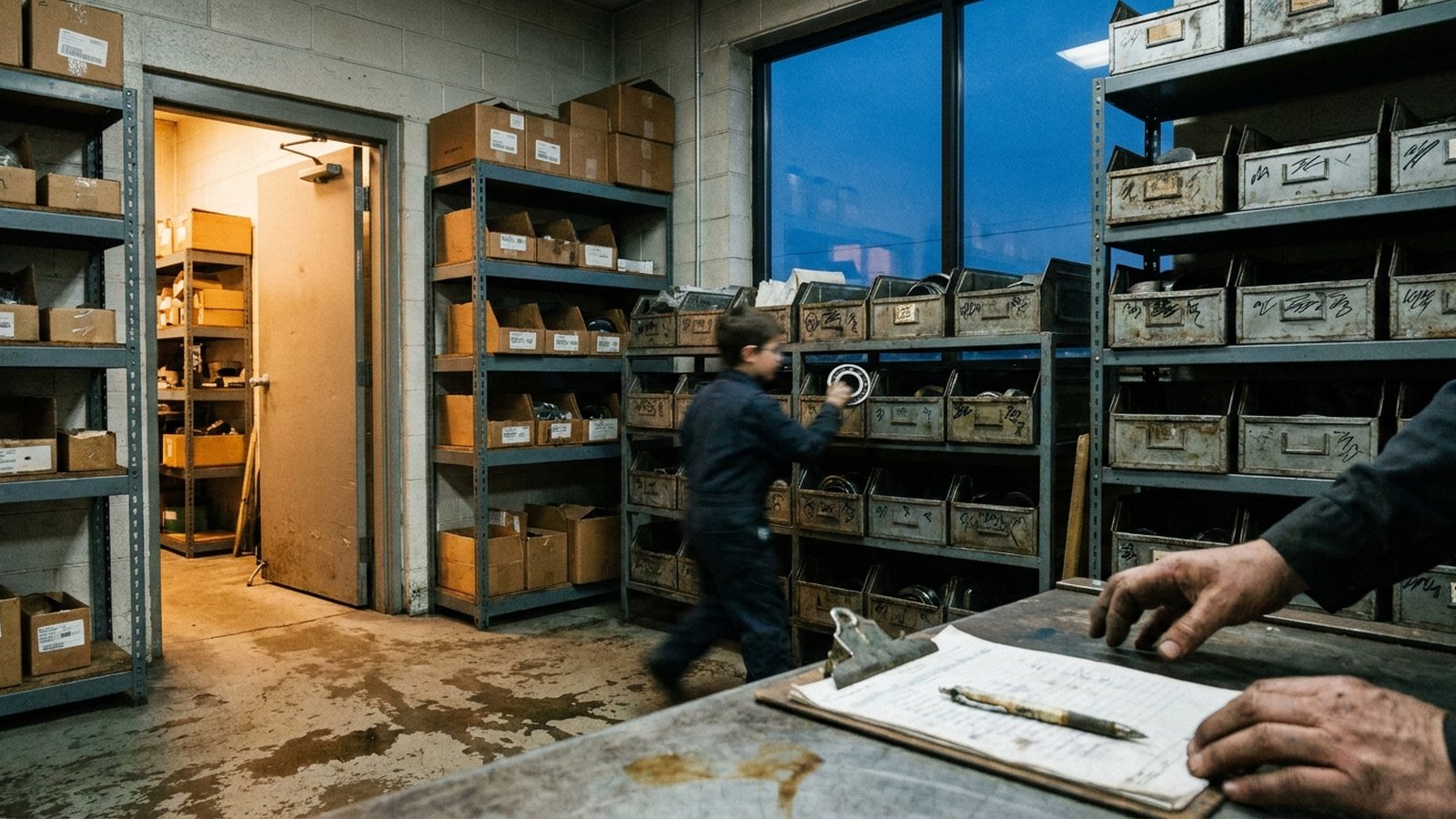
MRO data cleansing is the work of turning a maintenance item master full of free-text spare parts records into one structured, trustworthy record per physical part. In practice that means six steps: extract and classify every item, rewrite descriptions to a noun-modifier standard, resolve the manufacturer and part number, find and merge duplicates, fill missing specs from source documents, and then govern how new items get created so the mess does not come back.
The definitions you will find from cleansing vendors say roughly the same thing. Verdantis describes it as correcting, standardizing, enriching and classifying material master data across ERP, EAM and CMMS platforms. Moksana frames the goal as one canonical record for each real-world part. The method, and the order you do it in, is where projects succeed or stall.
What MRO data cleansing fixes: duplicates born from free text
Almost every MRO item master problem traces back to one habit: a planner or storeroom clerk creates a new item by typing a description. One person types BRG 6205 2RS, another types BEARING, BALL - 25MM BORE SEALED, a third types SKF 6205-2RSH. Same deep-groove ball bearing. The system now holds three items, three reorder points, and three stock locations for one part.
The consequences are familiar to anyone who has run a storeroom:
- A technician searches for
BEARING 6205, finds nothing in stock, and a rush order goes out while two bins of the same part sit on the shelf under different numbers. - Min/max settings split across duplicates, so each record looks slow-moving and none of them reflects true usage.
- Purchasing cannot consolidate spend because the same part is bought under several descriptions from several suppliers.
Free text is also why simple matching fails. Exact-match deduplication only catches records typed identically. The duplicates that cost money are the ones typed differently.
How to clean up an MRO item master, step by step
1. Extract and classify
Pull every item record out of the ERP or EAM, including inactive ones, plus whatever sits beside them: vendor catalog numbers, purchase history, attached spec sheets, BOM references. Then assign each item a class. Many teams use an external code set for spend reporting, such as UNSPSC, a global classification system for products and services, or ECLASS, which uses an eight-digit class code and lists about 48,000 product classes and more than 23,000 properties. Classification comes first because it decides which attributes each item needs. A ball bearing needs bore, outside diameter, width and seal type. A gate valve needs size, pressure class, body material and end connection.
2. Normalize descriptions to noun-modifier
The noun-modifier convention is the backbone of MRO description standards. A noun names what the item is (VALVE, BEARING), a modifier narrows it (GATE, BALL), and each noun-modifier pair carries a defined attribute template. One published dictionary, CMMSCodes, describes this as a two-tiered classification scheme and lists pairs such as BEARING, ROLLER with attributes for inside diameter, outside diameter, width, type and row.
Once an item has a noun-modifier and filled attributes, its short description can be generated from the data rather than typed. BEARING, BALL: 25MM ID, 52MM OD, 15MM W, DOUBLE SEALED comes out the same way every time, regardless of who created the item.
3. Resolve manufacturer and part number
The strongest identity signal for a spare part is the manufacturer name plus the manufacturer part number. Both are usually dirty. Manufacturer names show up as SKF, S.K.F., SKF USA INC. Part numbers lose their dashes, gain supplier prefixes, or get stored in the description field instead of their own column. Normalize manufacturer names to one canonical spelling, split the MPN into its own field, and keep the original string so you can audit the change later. The ISO 8000 family of data quality standards treats this kind of identification as core master data: it covers requirements for identifying product part numbers and exchanging technical specifications, with Part 120 focused on provenance, meaning where a piece of data came from.
4. Find the duplicates
With class, attributes and a clean MPN in place, duplicate detection becomes tractable. Match in tiers:
- Same normalized manufacturer and MPN: near-certain duplicate.
- Same noun-modifier and the same values on the defining attributes: probable duplicate, needs a reviewer.
- Different OEM part numbers that cross-reference to the same component: an interchangeable part, flagged for a decision rather than an automatic merge.
Moksana recommends matching by meaning rather than exact text and keeping confidence scores, which is the right instinct. Do not auto-merge low-confidence pairs. A 6205-2RS and a 6205-2Z share almost every attribute but one has rubber seals and one has metal shields, and the plant may care.
5. Enrich missing specs from source documents
Classification will expose gaps: a pump seal record with no shaft size, a motor with no frame or enclosure type. Fill them from the manufacturer's datasheet, catalog page or nameplate photo, and record which document each value came from. An enriched value without a source is a guess that looks like data.
6. Govern new item creation
A clean master decays the day it goes live if anyone can still type a new item freehand. Route new item requests through a form that forces a noun-modifier, a manufacturer and an MPN, and runs a duplicate check before the record is saved.
Maximo item master duplicates: the EAM-specific wrinkle
If your item master lives in IBM Maximo, plan the merge step carefully. As Maximo Secrets explains, there is no Delete Item action; once created, an item can only be set to OBSOLETE. The same write-up notes that duplicates are often created through bulk import, and suggests limiting who can insert or update item records.
IBM Maximo Inventory Optimization, a separate IBM product, has a Manage Duplicates function that merges a source item into a destination item and transfers its consumption and receipt histories, setting the two records' states to Duplicate and Merged. The documentation states you can merge only items in the same location, and that the source item must then be removed from the ERP. Confirm what your own version and licensing support before you design the cutover. Without that tool, the usual pattern is to pick a surviving item, move stock and open demand to it, and obsolete the loser.
Where cleansing projects go wrong
- Deduplicating before classifying. Without attributes you are matching on description text, which is the thing that was broken.
- Treating it as a one-time project. The cleanse finishes, then new free-text items creep back in. Moksana's six-stage framework ends with governance and monitoring for exactly this reason.
- Enriching without provenance. If a reviewer cannot see where a voltage or a thread size came from, they will not trust it, and they will re-key it.
- Confusing the item master with a catalog. The ERP record exists to buy, stock and issue a part. A distributor or manufacturer selling that part online needs far more. We cover the split in item master vs product master and in why an ERP item master is not a catalog.
How to decide who does the work
Size the job before choosing an approach. For illustration, take a 40,000-item master. If a trained cataloguer spends 15 minutes per item on classification, description and MPN cleanup, that is 10,000 hours before any enrichment from datasheets. That arithmetic is why internal teams often struggle to finish alongside their day jobs.
The options are a one-off offshore cleansing project, a cleansing vendor with its own dictionary, or a maintained enrichment layer that keeps working after go-live. The question to ask any of them: when a new item is created next year, who classifies it, who finds its datasheet, and who checks it against the existing master?
That ongoing work is what Anglera does. Your PIM, ERP or EAM stores the item; Anglera reads the source documents, extracts and normalizes the attributes, scores each value, and flags conflicts and probable duplicates for review rather than inventing values. It works from a flat CSV or ERP export, and implementation typically takes about 30 days. See how Anglera works, or the industrial and MRO distributor page for the attribute families we cover, which our guide to MRO industrial attributes lays out in detail.
Getting started
Clean MRO data comes down to one record per physical part, described from structured attributes, tied to a real manufacturer part number, and kept that way by controlled creation. Start with your highest-spend classes, prove the method on a few thousand items, and put governance in place before you scale. If you want the enrichment and duplicate review to keep running after the first pass, that is the part Anglera is built to take on.