
How pump and fluid power distributors manage product data
Fluid power distributors keep part numbers and stock in the ERP, specs in a PIM or site, and decode model codes into pressure, port, and seal fields.
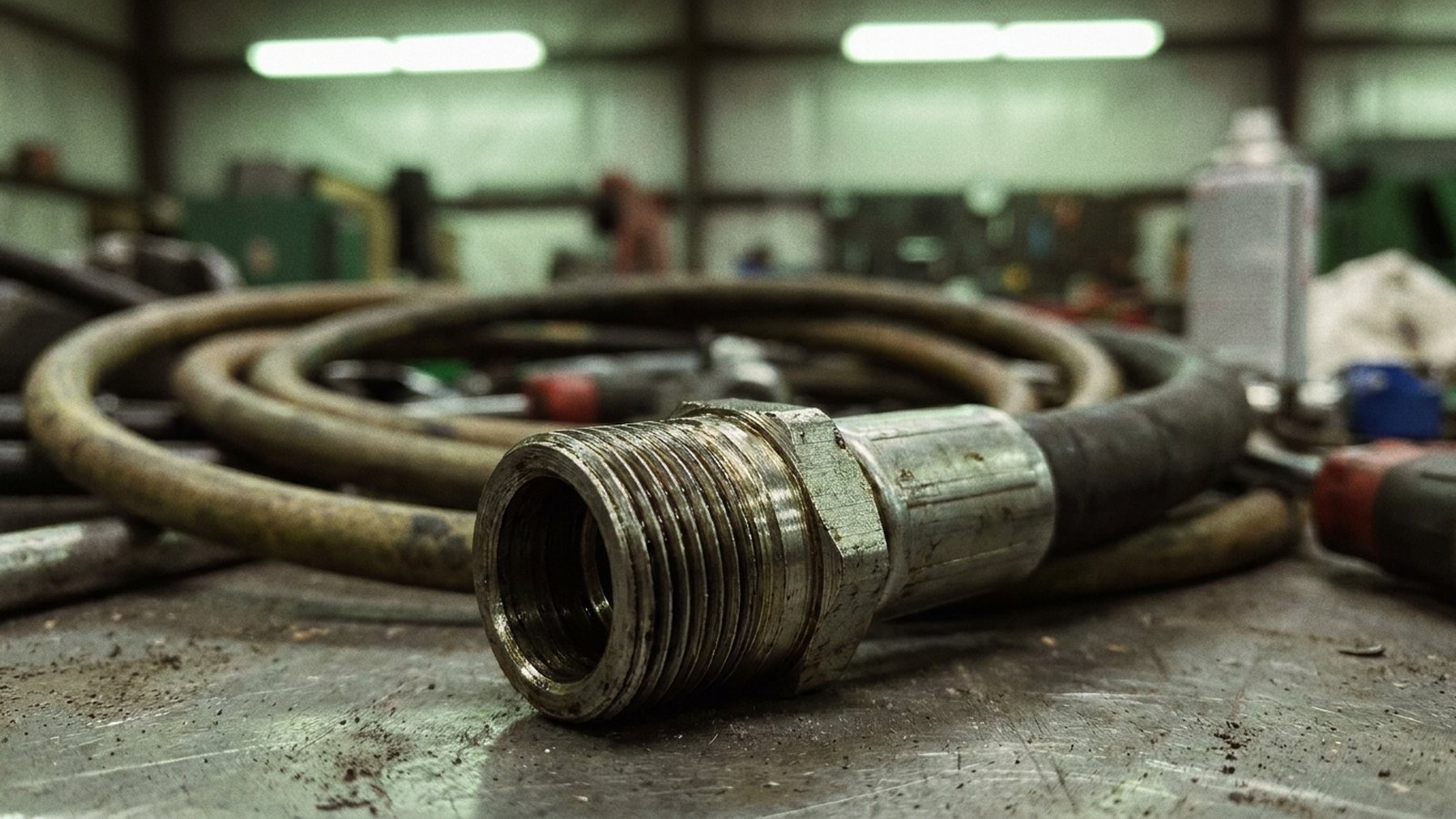
Most pump and fluid power distributors manage product data in two layers: the ERP item master holds the part number, description, price, cost, and stock, while a PIM, eCommerce platform, or spreadsheet holds the specifications buyers filter on, such as displacement, pressure rating, port type and thread, seal material, shaft, and rotation. The hard part sits between those layers, because manufacturers sell pumps, valves, and cylinders as configurable model codes, so most of the attributes are encoded inside the part number and the catalog PDF and someone has to decode them into structured fields and keep them current.
What sits where: ERP, PIM, and the catalog PDF
The ERP is the system of record for anything transactional: item, vendor, last cost, branch quantities, kits. It usually stores one short description, something like PUMP AXIAL PISTON 28CC CW SAE-B, written by whoever set the item up.
The specs live in a PIM, the eCommerce platform's product tables, or a shared drive of manufacturer catalogs that inside sales opens when a customer calls. The ERP item master was built to move inventory, not to answer "which of these has an SAE straight-thread pressure port and FKM seals." We cover that split in more depth in why the ERP item master is not a catalog.
So the real question is how attribute values get from the manufacturer's document into structured fields, and who keeps them right when the sheet is revised.
Why a configurable model code defeats a flat item master
Fluid power manufacturers publish ordering codes, not product lists. Take the Bosch Rexroth A10VO variable axial piston pump. Its series 52/53 data sheet defines a 12-position ordering code. Position 03 is size, where 28 means roughly 28 cm³ (1.71 in³) maximum displacement. Position 04 is the control device, with options like DR (pressure control), DFR, DRG, and a family of LA power controls. Position 07 is rotation, R or L viewed on the shaft end. Position 08 is seals, and the only listed option is V, FKM. Position 09 is the shaft end, such as S for a splined shaft to SAE J744 or K for a parallel keyed shaft. Position 10 is the mounting flange, C for SAE 2-hole or D for SAE 4-hole. Position 11 is the service line ports, where 61 is an SAE flange at the rear, 62 is SAE flanges on opposite sides for through drive, and 64 is threaded ports at the rear. Position 12 is the through drive, from N00 for none to codes like K01 that specify an SAE J744 flange and coupler.
The sheet states 3,600 psi (250 bar) nominal and 4,600 psi (315 bar) peak, and marks which options are valid per size.
Now picture that in a flat item master. For illustration, if one frame size offered 10 control variants, 2 rotations, 4 shafts, 3 port options, and 5 through drives, that is 1,200 possible strings. A distributor stocks a few dozen, and each gets a hand-typed ERP description where port style, shaft, and flange are crammed in or missing. Search fails because one person typed SAE B 2B and another typed SAE-B 2 BOLT.
Eaton and Vickers pump numbers work the same way; a decoder guide from RestoPower notes that piston pump codes "can run 20+ characters," with fields for displacement, compensator, port orientation, shaft, and controls. The data is there, compressed into a string.
How to decode model codes into attributes
Decoding is repeatable once you treat the ordering code page as a lookup table:
- Capture the ordering code definition per series and per document revision. The A10VO sheet carries its own revision mark (
RA 92 703/11.07) and flags some series-52 options as not for new projects, pointing to series 53. Codes change, so the decoder has to know which revision it is reading. - Map each position to a named attribute in your schema, with a controlled value list and a unit.
- Parse each stocked or quoted part number position by position, and reject strings that hit an unavailable option for that size.
- Fill attributes that are not in the code (weight, dimensions, curve data) from the data sheet body.
- Write a clean, generated short description from the attributes, so the ERP text and the web title agree.
Here is what step 2 looks like for one A10VO position set:
| Code position | Attribute | Example code | Stored value |
|---|---|---|---|
| 03 Size | displacement_max | 28 | 28 cm³/rev |
| 04 Control | control_type | DR | Pressure control |
| 07 Rotation | rotation | R | Clockwise, shaft end view |
| 08 Seals | seal_material | V | FKM |
| 09 Shaft | shaft_type | S | Splined, SAE J744 |
| 10 Flange | mounting_flange | C | SAE 2-hole |
| 11 Ports | port_style | 61 | SAE flange, rear, UNC fixing thread |
If you need a pattern for value lists and units, our guide on how to structure product attributes and values walks through it, and the category-level field set is in pump and fluid power attributes.
The fields that drive wrong orders: ports, seals, pressure, curves
These attributes deserve their own validated fields, never free text.
Port type and thread. SAE J1926 straight-thread O-ring boss ports and ISO 6149 metric ports both seal with an O-ring on straight threads, but Hydraulic Insight notes the fittings cannot be directly interchanged because one is inch UN/UNF and the other metric. A port identification guide describes NPTF and BSPT as tapered threads that seal by distorting the threads, and SAE J1926, ISO 6149, and BSPP as straight threads that seal another way. It also notes that BSPT resembles NPTF but the thread pitches differ in most sizes. Store port_standard and port_size separately, for example SAE J1926 and -8, which Hydraulic Insight maps to 3/4-16 UNF. A field that just says "3/4" is how a BSPP part ships against an ORB order.
Seal material. Store the polymer (NBR, FKM, HNBR), not "standard" or "Viton option." "Standard" means different things across brands.
Pressure. Keep nominal (continuous) and peak as two fields with units, as the Rexroth sheet does. One field called max_pressure invites someone to publish peak as continuous.
Pump curves. A curve image on a PDP cannot be filtered. Capture flow at rated speed and pressure as data points, or at minimum flow at a stated rpm and pressure, so a buyer can filter for "at least 20 gpm at 1,800 rpm."
NAHAD and NFPA: what the fluid power standards cover
People looking for a fluid power product data standard often expect an industry content schema. What the two associations publish is narrower.
NFPA, the National Fluid Power Association, serves as the ISO/TC 131 fluid power secretariat and U.S. TAG administrator. That committee work produces component standards, like the port standards above, which define what a value means. It does not hand a distributor a product attribute template.
NAHAD, the Association for Hose and Accessories Distribution, serves hose, coupling, and accessory distributors; its distributor membership requires at least $50,000 in average hose inventory and $250,000 in annual hose sales. For product data, the most useful thing NAHAD promotes is the STAMPED method for specifying a hose assembly: Size, Temperature, Application, Media, Pressure, Ends, and Delivery, as summarized by Triad Technologies. Those seven words make a solid attribute group for hose and fittings. Check NAHAD's current guidelines directly before you treat any list as a requirement.
In practice, distributors build their own taxonomy and map it to whatever their eCommerce platform, content provider, or buying group expects.
Getting fluid power product data to eCommerce and APIs
Once attributes are structured, the same records feed site facets, a product API for customers' procurement systems, quote configurators, and marketplace feeds. The ERP stays the source for price and availability; the attribute layer supplies the rest, keyed on the ERP item number.
The question that stalls most programs is who does the work. Decoding codes and re-checking values when a manufacturer revises a document never ends. Offshore data entry tends to run as a one-off project, and AI writing tools generate descriptions, not sourced values. Anglera takes a different route: it extracts values from the manufacturer's own documents, scores each one, flags conflicts for review, and keeps them maintained alongside your PIM or ERP, starting from a flat export. How Anglera works shows the mechanics, and the pump, valve, and process equipment page covers the category specifics.
Where to start
Pick the 2 or 3 product families that generate the most "is this the right one?" calls, usually piston pumps, directional valves, and hydraulic fittings. Decode their ordering codes into attributes first, with port standard, seal material, and pressure as validated fields. Measure fill rate on those fields before and after, then expand family by family.
Your PIM or ERP stores the data, and Anglera does the decoding and source-checking that fills it, typically live within 30 days from a CSV or ERP export. That keeps your existing systems in place and puts the effort where fluid power catalogs break: turning model codes and data sheets into fields a buyer can filter on.