
What product data lumber and building materials dealers need for ecommerce
LBM dealers need nominal and actual sizes, species, grade, treatment, selling units, code documents, account pricing and live inventory on each SKU online.
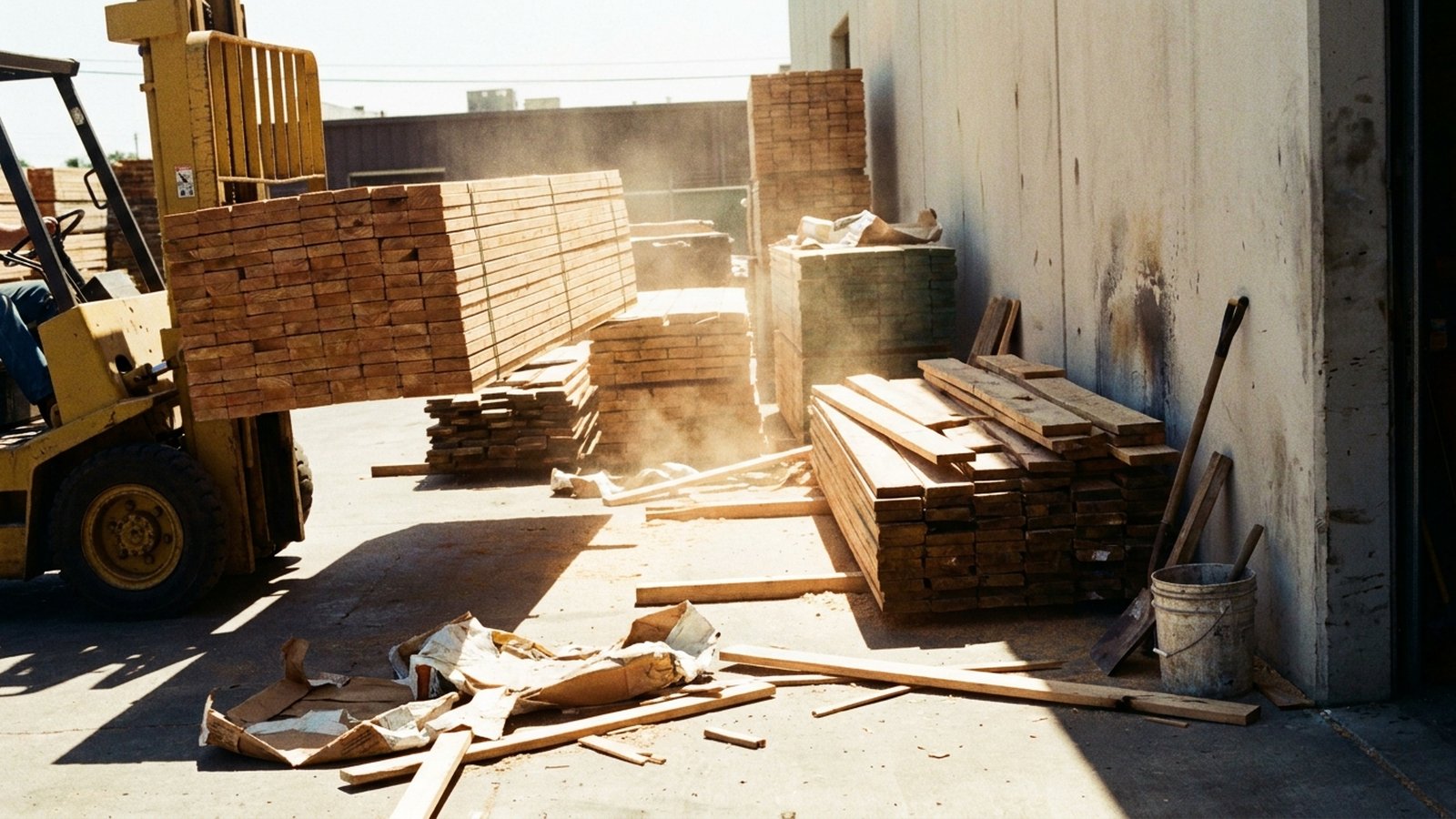
Lumber and building materials dealers need every online SKU to carry its identity (item number, manufacturer part number, GTIN where one exists), its true size (nominal and actual dimensions plus length), its selling and pricing units (piece, linear foot, board foot, bundle), and the attributes a contractor filters by: species, grade, moisture designation, treatment and use category. On top of that sits the commercial layer the ERP already owns, which is account-specific pricing and branch-level inventory, plus the documents that prove code compliance, such as grade stamps, treatment end tags and evaluation reports.
Many dealers already have the commercial layer in the ERP. The descriptive layer is more often what is missing.
Why an LBM product record differs from a hardware SKU
A drill sells by the each. A 2x4 does not. The American Softwood Lumber Standard, PS 20-20 defines nominal size as a label "that does not reflect the dressed size": a dry 2 by 4 is surfaced to 1-1/2 by 3-1/2 inches. Its dimension lumber size table puts the minimum dressed dry size of a 2x10 at 1-1/2 by 9-1/4. A buyer framing a wall or sizing a hanger needs the actual number, and a search box needs the nominal one, so the record needs both as separate fields.
Units are the second break. PS 20 defines board measure with the board foot as the unit, computed by multiplying nominal thickness in inches by nominal width in feet by length in feet. So a dealer's ERP may price framing lumber per thousand board feet (MBF) while the counter sells it by the piece and the yard ships it by the unit. Trim and moulding go by the linear foot. Sheet goods go by the sheet. If the ecommerce record stores one price and one unit, someone is about to order 10 of the wrong thing.
The third break is compliance. Structural lumber is graded, treated lumber is rated for an exposure, and engineered or newer products often carry a code evaluation. None of that lives in a typical item description.
The product attributes lumber and building materials ecommerce needs
Group the record into five layers.
Identity. Dealer item number, vendor or manufacturer part number, GTIN/UPC when the manufacturer has assigned one, brand, and a clean category path. Not every commodity item will carry a GTIN, so do not make it a hard requirement for every class.
Dimensions. nominal_thickness, nominal_width, length_ft, actual_thickness_in, actual_width_in. For sheet goods: thickness, width, length, plus panel rating or span rating where the manufacturer publishes it. For bagged and boxed goods: net weight or coverage.
Material and grade. Species or species group (SPF, Douglas Fir-Larch, Southern Pine), grade (#2 & Btr, Stud), and moisture designation. PS 20 defines dry lumber (under nominal 5-inch thickness) as seasoned or dried to a maximum moisture content of 19 percent and defines kiln dried (KD) separately, so KD and S-DRY are values, not decoration.
Treatment. Preservative, retention and use category, stored as three fields. The AWPA use category infographic shows the end tag carrying the use category, the preservative, the retention in pcf, the AWPA standard and an ALSC agency logo. It also maps applications: ground-contact posts call for UC4A or higher, above-ground deck boards for UC3B or higher, and a permanent wood foundation for UC4B or higher.
Commercial and compliance. Selling unit, pricing unit, conversion factor between them, pieces per unit, branch availability, and links to the grade stamp image, the end tag, the spec sheet and any evaluation report. An ICC-ES evaluation report documents a technical evaluation of a building product against code requirements such as the IBC and IRC, including conditions of use.
How building materials distributors manage product data across ERP, PIM and EDI
The ERP runs the yard. It owns the item number, cost, price matrices, units of measure and on-hand by branch. Dealer ecommerce platforms that integrate with the ERP read it directly. ECI says its Spruce eCommerce syncs pricing, inventory and product data from the ERP and lets dealers set customer-specific pricing or show different catalogs for retail and trade accounts. That covers price and stock. It does not write species, actual dimensions or use category into an item file that never had them. We cover that gap in more depth in why an ERP item master is not a catalog.
A PIM stores and governs the descriptive layer: attribute schemas per category, images, documents, and channel exports. Some ERPs now bundle one; 10X ERP describes a built-in PIM with custom attributes by category and units of measure such as buying by case and selling by foot. Standalone or embedded, a PIM is a container. If you are choosing one, our PIM shortlist for building materials distributors compares the options.
EDI moves price and catalog data between trading partners. The X12 832 Price/Sales Catalog is used to furnish or request pricing information for goods in catalog form. In practice 832 feeds vary by vendor in how much descriptive detail they include, so treat them as an input to check, not a finished record.
Product data standards for building products: GS1 and the grading agencies
No single attribute standard covers LBM. Several standards each cover one piece.
GS1 covers identification. Its GTIN Management Guideline for Construction Products (Release 1.0, ratified January 2023) applies to professional construction products. It gives construction examples of changes that require a new GTIN, such as the number of plasterboards in a package going from 8 to 10, and states that a change of over 20 percent to a physical dimension on any axis, or to gross weight, requires a new GTIN. For a dealer, that makes a GTIN a useful join key across vendor feeds when it exists, and a pack-count change should show up as a new item.
PS 20 and the grading agencies cover lumber itself. PS 20 requires a grade mark to show the mill, the agency symbol, the species or species combination, whether the lumber was dry or green when manufactured, and the grade. That list is close to a ready-made attribute schema, and the grade stamp is the source document for it. AWPA standards do the same for treatment. Confirm current editions against the standard bodies before you lock a schema; these documents are revised.
From ERP item file to usable record: a worked example
For illustration, take a typical ERP line:
2410SPF | 2X4X10 SPF #2&BTR KD | UOM EA | PRICE UOM MBF | VENDOR 4471
Here is what a usable record pulls out of it, and where each value comes from.
| Field | Value | Source |
|---|---|---|
nominal_size | 2 x 4 | Parsed from description |
length_ft | 10 | Parsed from description |
actual_size_in | 1-1/2 x 3-1/2 | PS 20 dressed dry size |
species_group | SPF | Description, confirmed by grade stamp |
grade | No. 2 and Better | Description, confirmed by grade stamp |
moisture | KD | Description, confirmed by grade stamp |
board_feet_per_piece | 6.67 | 2 x (4/12) x 10 |
selling_unit / pricing_unit | piece / MBF | ERP |
The board-foot math is the field that breaks web pricing. If the ERP prices per MBF and the site sells per piece, the price shown is the MBF price times 6.67, divided by 1,000. Skip the conversion and a 10-foot stud displays at the price of a thousand board feet.
Scale it up and the effort is real. For illustration, a dealer with 15,000 active SKUs spending 10 minutes per item on parsing, looking up a spec sheet and filling fields is 2,500 hours, before anything changes. Then vendors change pack counts and the record goes stale.
What goes wrong, and how to decide what to fix first
The common failure modes are predictable. Abbreviation soup in descriptions (#2&BTR, 2&B, NO2BTR) that the site's filters cannot group. Nominal and actual sizes in one field, so 1-1/2 never matches a search for 2x4. Treatment written into the title with no separate use-category field.
Start where buyers filter: dimensional lumber, treated lumber, sheet goods and fasteners or connectors. Define the five layers per category, fill them from source documents rather than from memory, and record which document each value came from so a counter rep can defend it. Our building materials attribute guide goes deeper on schemas by category, and the building materials and lumber distributors page shows how this looks in practice.
Who does the filling
Your ERP and PIM store this data. Anglera does the work of filling it: it reads vendor spec sheets, catalogs, grade and treatment documentation, manufacturer sites and your existing ERP fields, extracts and normalizes values like species, grade, actual size and use category, quality-scores each one, and flags conflicts for review rather than guessing. It works alongside whatever ERP, PIM or flat file you run today, can start from a CSV export, and typically goes live in 30 days or less.
The descriptive layer is what turns an ERP price list into a catalog a contractor can search. If you want to see how a backfill runs against your own item file, here is how Anglera works.